
The 4 fatal flaws of the standard GA4 web interface
When Google transitioned the analytics ecosystem from Universal Analytics to Google Analytics 4, they redesigned the reporting interface around probabilistic modeling and automated privacy filters. For performance-driven marketing teams, this introduced four critical barriers:
Data Thresholding (The Orange Warning Icon)
Whenever Google Signals is active or user counts in a dimension are low, GA4 automatically drops entire rows from your reports to prevent user re-identification. In e-commerce campaign reports, thresholding regularly suppresses 20% to 45% of niche product purchases.
24 to 48 Hour Processing Latency
Standard GA4 reports can take up to 48 hours to fully process intraday conversions. Attempting to optimize paid ad campaigns on Friday afternoon based on Friday morning GA4 data leads to false negatives and misallocated spend.
Session Limits in Explorations (Sampling)
When creating custom funnels or path exploration reports that exceed 10 million events, GA4 applies heavy sampling algorithms. You are looking at statistical estimates rather than actual financial transactions.
14-Month Event Retention Cliff
GA4 standard properties permanently delete granular user and event-level data after 14 months. Running year-over-year cohort analyses or 3-year customer lifetime value (LTV) evaluations is impossible inside the native interface.
Enterprise Data Engineering: Explore our GA4 BigQuery & Server-Side Analytics practice and see how un-sampled SQL attribution models and CRM revenue stitching unlocked true 132% net ROAS visibility in the Boobon Case Study and +58.6% net revenue growth for Olivia Garden.
Configuring the native BigQuery link in 5 minutes
Unlike Universal Analytics (which restricted BigQuery export to $150,000/year GA360 enterprise contracts), Google Analytics 4 includes a free native BigQuery export for every standard property.
Setting up the pipeline requires three clean configuration steps inside Google Cloud Platform:
- Create GCP Project: Navigate to Google Cloud Console, provision a dedicated project (e.g.,
brand-analytics-warehouse), and link a valid billing account to activate BigQuery APIs. - Select Region: Under BigQuery data location settings, select an EU multi-region (such as
EUoreurope-west9in Paris) to maintain full GDPR and CNIL regulatory compliance. - Link in GA4 Admin: In GA4, go to Admin > Product Links > BigQuery Links. Select your GCP project, choose the data residency region, and configure the export frequency.
Streaming vs Daily batch export: Economics & SLA
GA4 offers two separate export streams into BigQuery. Understanding when to use each is crucial for cost governance:
Daily Batch Export
Streaming Continuous Export
Recommended Production Configuration
Enable both Daily and Streaming exports. Use events_intraday_* to monitor active flash sales and campaign launches in real time. At midnight UTC, Google automatically processes the final audited events_* partition and flushes the intraday table, giving you the best of both worlds with negligible GCP costs.
Demystifying the GA4 schema: RECORD & UNNEST
The biggest stumbling block for marketing analysts transitioning to BigQuery is GA4's nested data architecture. Instead of flat relational tables, GA4 stores custom parameters inside repeated RECORD arrays:
event_params.key(STRING)event_params.value.string_value(STRING)event_params.value.int_value(INTEGER)event_params.value.float_value/double_value(NUMERIC)
To extract values like transaction_id or campaign, SQL queries must use the UNNEST() operator to flatten the array. Mastering this pattern unlocks unlimited analytical freedom.
Production SQL queries: True Contribution Margin ROAS
Standard ROAS is calculated as Revenue / Ad Spend. This metric is inherently flawed because a 400% ROAS on a product with a 15% gross margin loses money, while a 250% ROAS on an 85% margin line is extraordinarily profitable.
In BigQuery, we join raw GA4 item-level purchase records with internal inventory margin tables:
The True Margin Formulation
Net Contribution Margin = Gross Revenue - (COGS + Shipping Freight + Payment Gateway 1.8% + Ad Spend)
By surfacing POAS (Profit On Ad Spend) instead of nominal ROAS, growth leaders stop scaling losing SKUs and allocate budget exclusively where marginal profit is maximized.
High-speed Looker Studio pipeline architecture
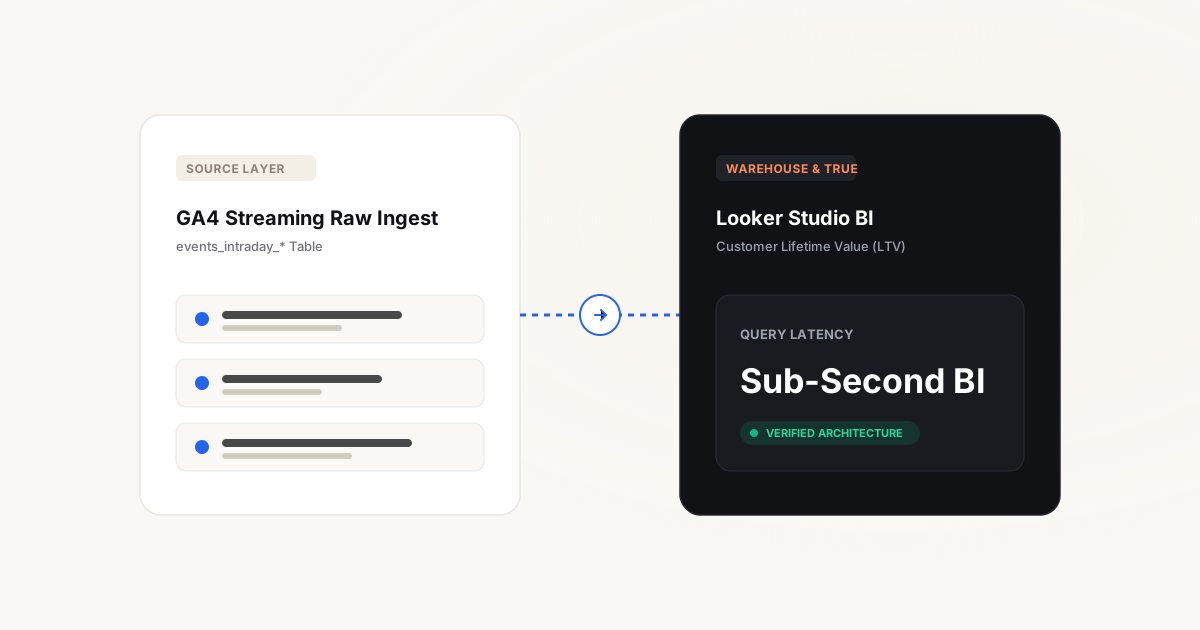
A common architectural blunder is connecting Looker Studio directly to raw events_* tables using custom queries. Every time a team member adjusts a date filter, Looker triggers a full table scan scanning hundreds of gigabytes, resulting in slow 30-second load times and unexpected cloud bills.
The professional enterprise pattern:
- Scheduled Queries: Create a scheduled SQL job in BigQuery that runs nightly at 02:00 UTC, summarizing raw transactions into a daily aggregated table:
report_daily_channel_performance. - Partitioning: Partition the reporting table by
event_dateand cluster bytraffic_channel. - Zero-Latency Dashboards: Point Looker Studio to the summarized table. Reports render in under 1 second and scan less than 5 megabytes per query.
Cloud cost optimization & query partitioning
BigQuery pricing operates on two pillars: storage ($0.02/GB/month) and analysis ($6.25 per TB scanned). Without proper partitioning filters, a careless query scanning your entire historical dataset burns quota needlessly.
- Always enforce date filters: Always include
WHERE _TABLE_SUFFIX BETWEEN '20261001' AND '20261016'when queryingevents_*tables. - Avoid
SELECT *: Only select the specific columns required for your transformation. - Set GCP Quotas: Configure project-level maximum daily billing limits to guarantee zero budget surprises.
Frequently asked questions
Is BigQuery export really free in GA4?
Yes. Google charges zero fees for the export service itself. You only pay standard Google Cloud compute and storage costs. For SMBs generating up to 1,000,000 monthly events, Google Cloud's permanent free tier (10 GB storage and 1 TB query analysis per month) frequently keeps the monthly GCP invoice under $5 to $10.
How does BigQuery resolve GA4 thresholding?
Thresholding is applied exclusively at the visualization layer of the GA4 reporting UI when Google Signals is enabled. The BigQuery raw export contains the unaltered event stream without any thresholding, redaction, or sampling applied.
Can I merge CRM offline sales with BigQuery GA4 data?
Yes. By capturing the user_pseudo_id (GA client ID) or transaction ID in your CRM (HubSpot, Salesforce, Pipedrive), you can perform simple SQL LEFT JOIN operations in BigQuery to match paid clicks with finalized offline contract revenue.
Is streaming export necessary for e-commerce?
It is not mandatory, but highly recommended during high-velocity promotional periods (Black Friday, product drops) where immediate bid adjustments and stockout monitoring are required. For standard operations, daily batch export is sufficient.
Does storing GA4 data in BigQuery comply with GDPR and CNIL?
Yes, provided your BigQuery dataset location is configured within the European Union (e.g., europe-west9 Paris or europe-west1 Belgium), and users who deny cookie consent have their analytics identifiers suppressed prior to export.